
Samz Browser1.0.13 - Get APK
You'll be able to download in few seconds.
Publisher Description

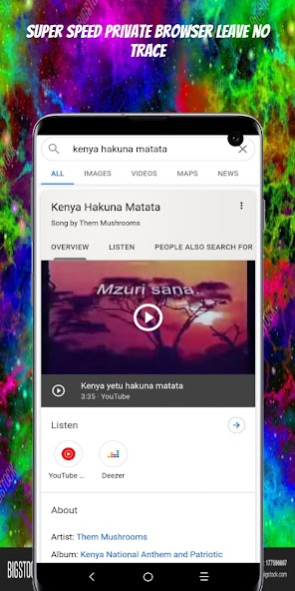
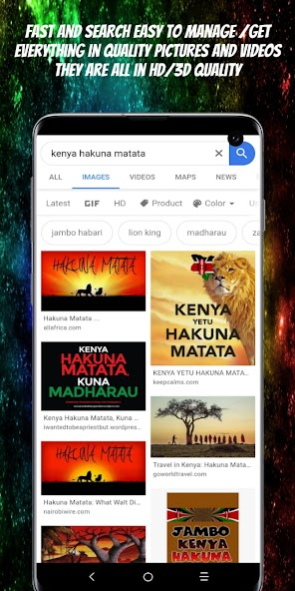

SAMZ BROWSER loads your webpages 3x faster, Saves 90% of your data and enables smooth browsing on slow networks; Downloads all-formats videos and social media clips at lightning speed.
★Fast Browsing and Downloads: Access websites, download multiple files (videos, audio, documents and more) with the speed of light. Download online videos easily from lots of websites: Facebook、Instagram and etc.
★Smart Video. Optimized video player for the best watching experience.
★Powerful File Manager Support more than 50 file formats, such as word, excel, ppt, pdf, etc.
★Ad Block: Block annoying adverts and popups, save time and increase loading speed.
★Data Saver: Stream movies, download files, browse more with less data on any website.
Features:
★Incognito Browsing
Incognito tab makes your browsing experience perfectly private without leaving any history, cookies, cache, etc.
★Ad Block
Ad Block blocks various forms of annoying ads, pop-ups and banners to make your browsing comfortable. It not only speeds up the page loading speed but also reduces Internet data usage.
★Bookmarks/History
Bookmarks help save your favorite websites and provide quick navigation for revisiting later on. History list helps with recollection. Both will save you time looking for your favorite websites.
★Data Saving
Samz Browser could compress data, speed up navigation and help you save a lot of cellular data traffic
★Search Engines: search engines We support Google because it's the fast one to access your website
★Switch to PC Website
Support cross-device browsing, i.e. from mobile to PC browser mode.
★Find in Page/Translate
Search to find whatever you need in website pages, and the translation function is supported. !! ENJOY SAMZ MESSAGER!!
About Samz Browser
The company that develops Samz Browser is Samuel Kamau. The latest version released by its developer is 1.0.13.
To install Samz Browser on your Android device, just click the green Continue To App button above to start the installation process. The app is listed on our website since 2020-10-29 and was downloaded 0 times. We have already checked if the download link is safe, however for your own protection we recommend that you scan the downloaded app with your antivirus. Your antivirus may detect the Samz Browser as malware as malware if the download link to com.wSAMZ_12266605 is broken.
How to install Samz Browser on your Android device:
- Click on the Continue To App button on our website. This will redirect you to Google Play.
- Once the Samz Browser is shown in the Google Play listing of your Android device, you can start its download and installation. Tap on the Install button located below the search bar and to the right of the app icon.
- A pop-up window with the permissions required by Samz Browser will be shown. Click on Accept to continue the process.
- Samz Browser will be downloaded onto your device, displaying a progress. Once the download completes, the installation will start and you'll get a notification after the installation is finished.
Program Details
System requirements
Download information
Pricing
Version History
version 1.0.13
posted on 2020-10-29
Disclaimer
External Download
We do not host Samz Browser on our servers. We did not scan it for viruses, adware, spyware or other type of malware. This app is hosted by Galad and passed their terms and conditions to be listed there. We recommend caution when installing it.
The APK Download link for Samz Browser is provided to you by apps112.com without any warranties, representations or guarantees of any kind, so access it at your own risk.
If you have questions regarding this particular app contact the publisher directly. For questions about the functionalities of apps112.com contact us.
